
Keep a way back.
Save backup files in iCloud Drive or on your device. Keep the latest backup and up to two earlier restore points.
Write it. Say it. Find it again. A little space for the thoughts that make up your day.
iPhone · iOS 26 or later · Free with in-app purchase
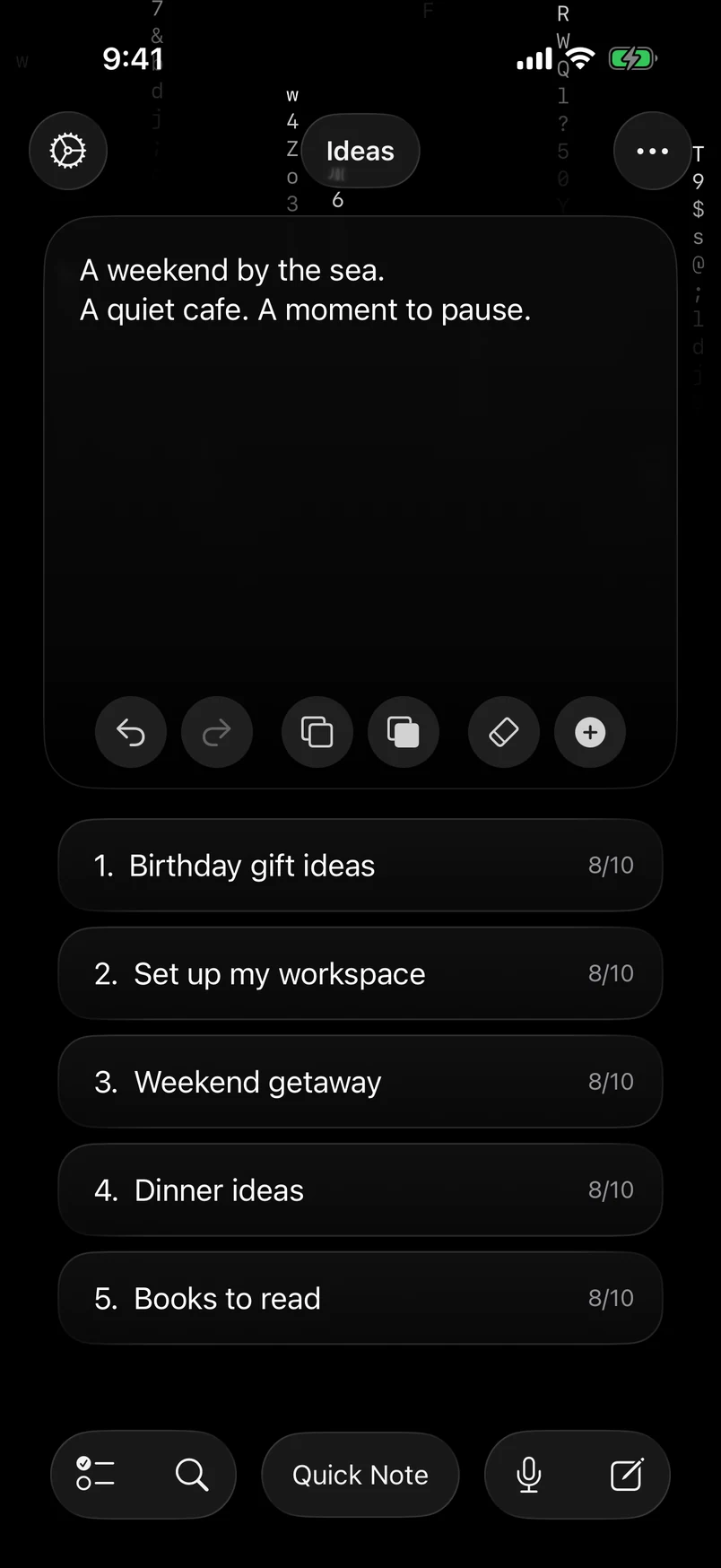
Write freely in Quick Note. Keep what matters as a note. With separate tabs, your work, ideas, and everyday lists each have a place.
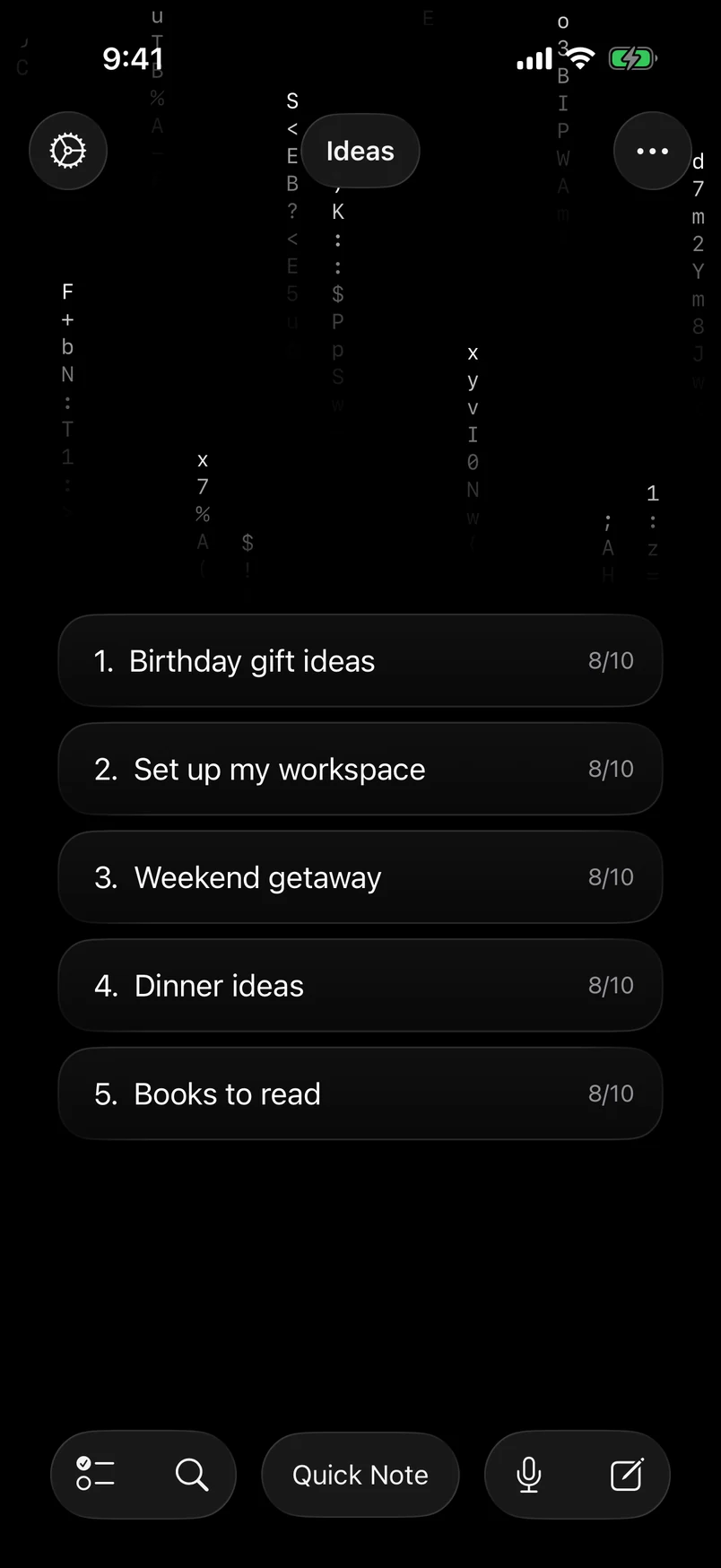
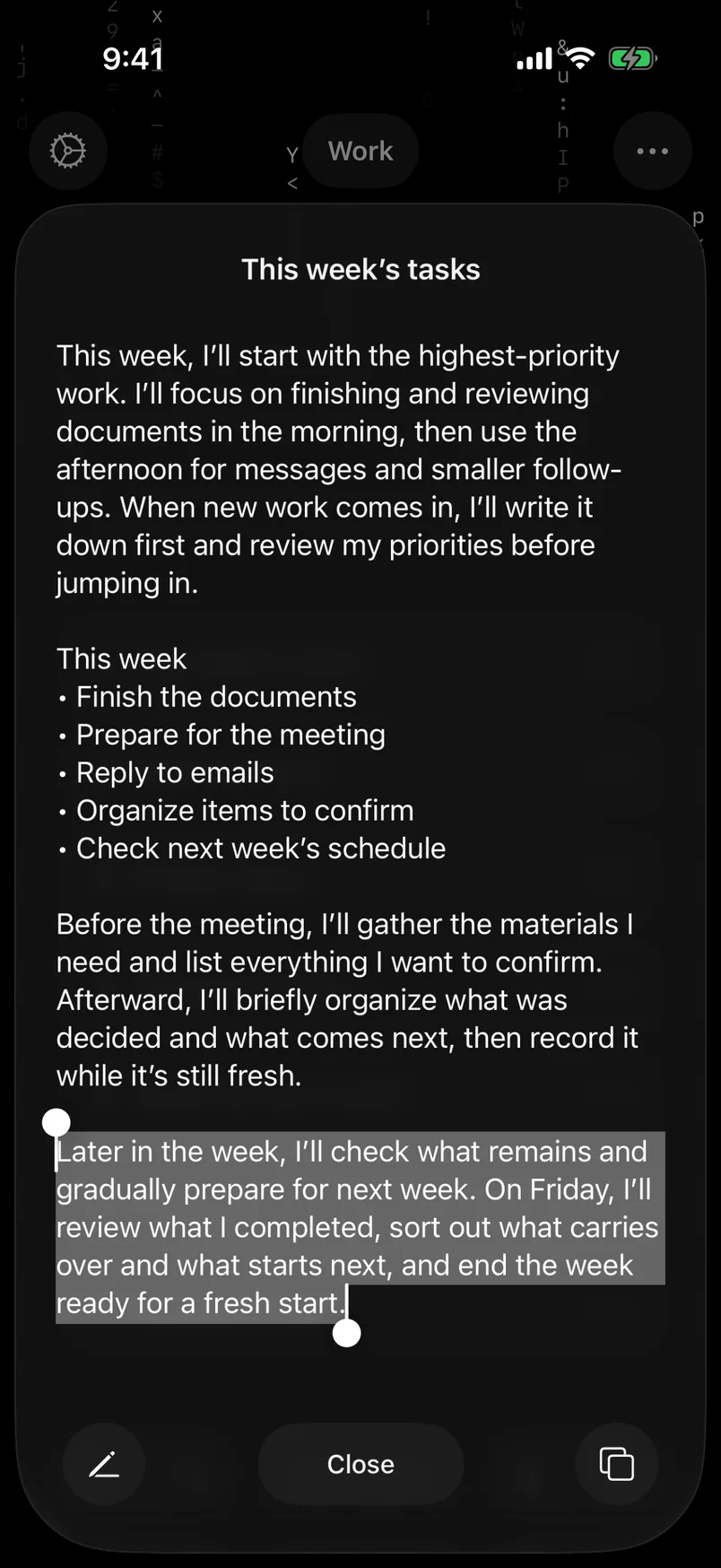
Save a thought as a note. Open it from the list, pin what matters, and protect it from accidental edits.
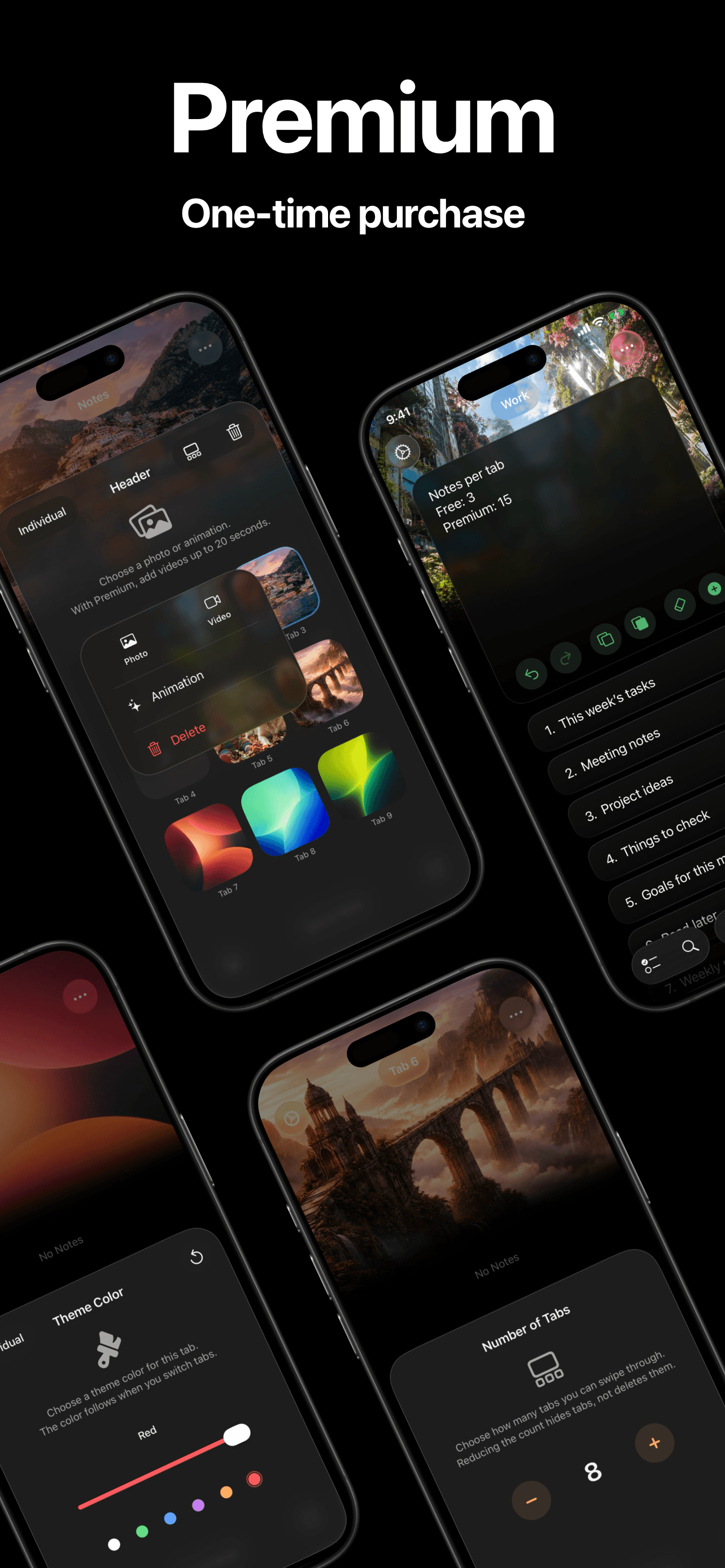
A photo you love. A view that moves. Give each tab an atmosphere you want to return to.
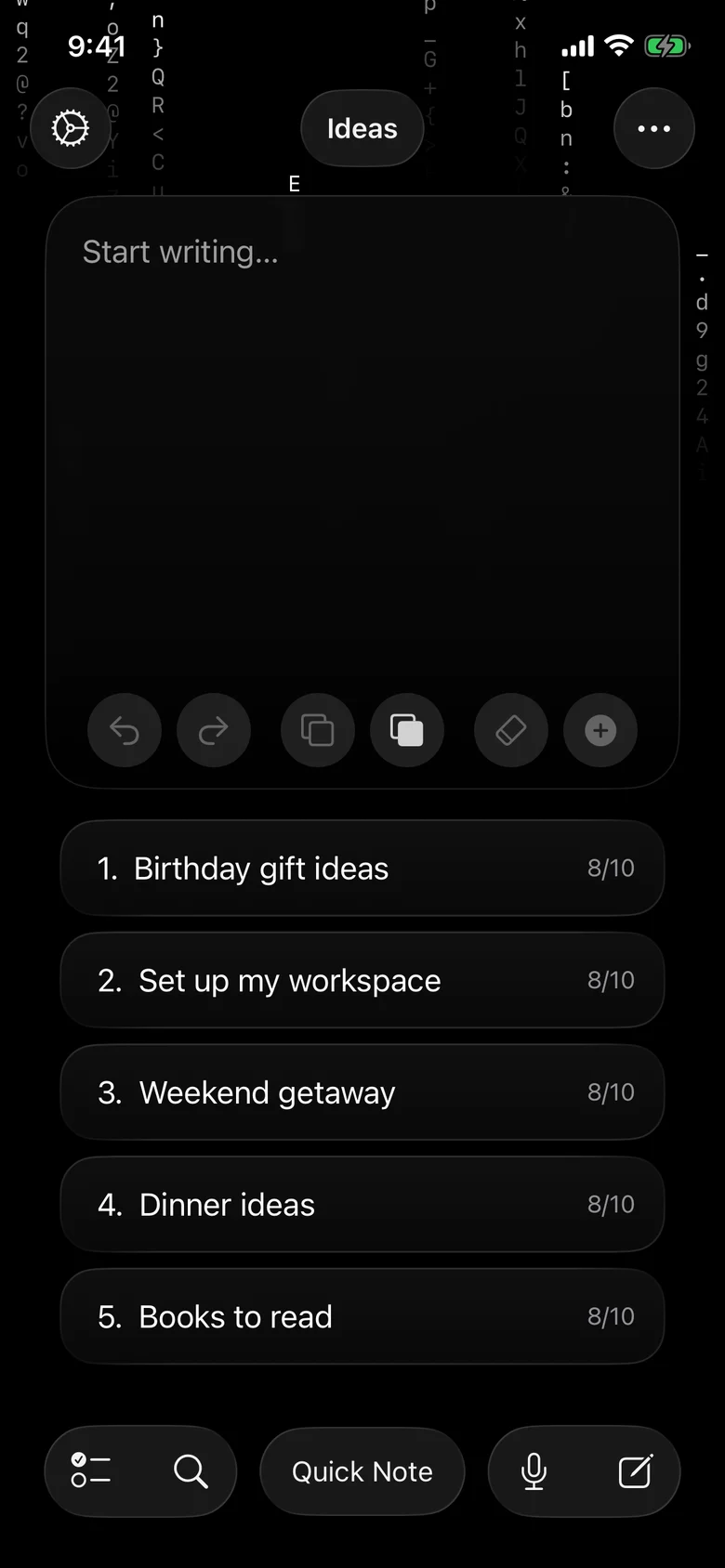
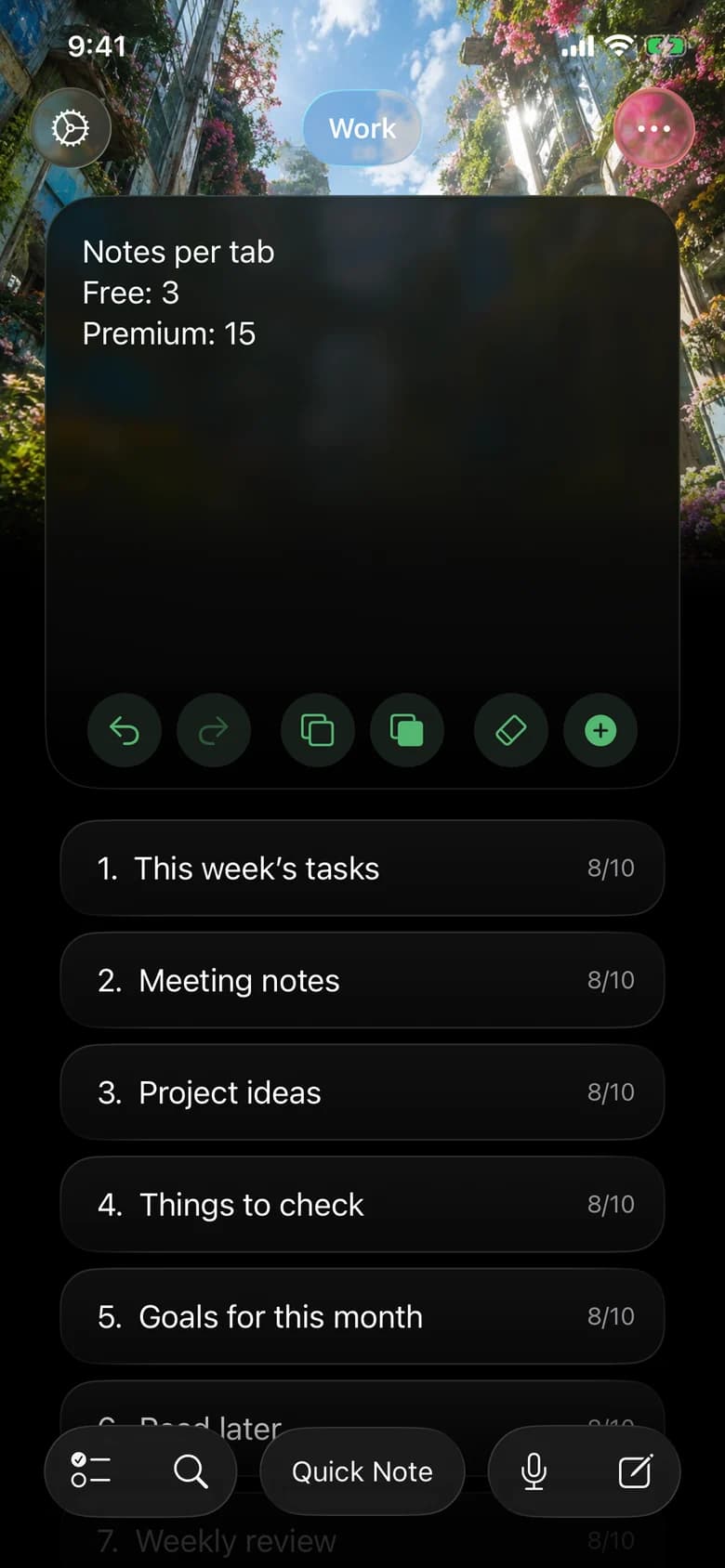
Photos and built-in animations are free. Premium adds video headers up to 20 seconds.
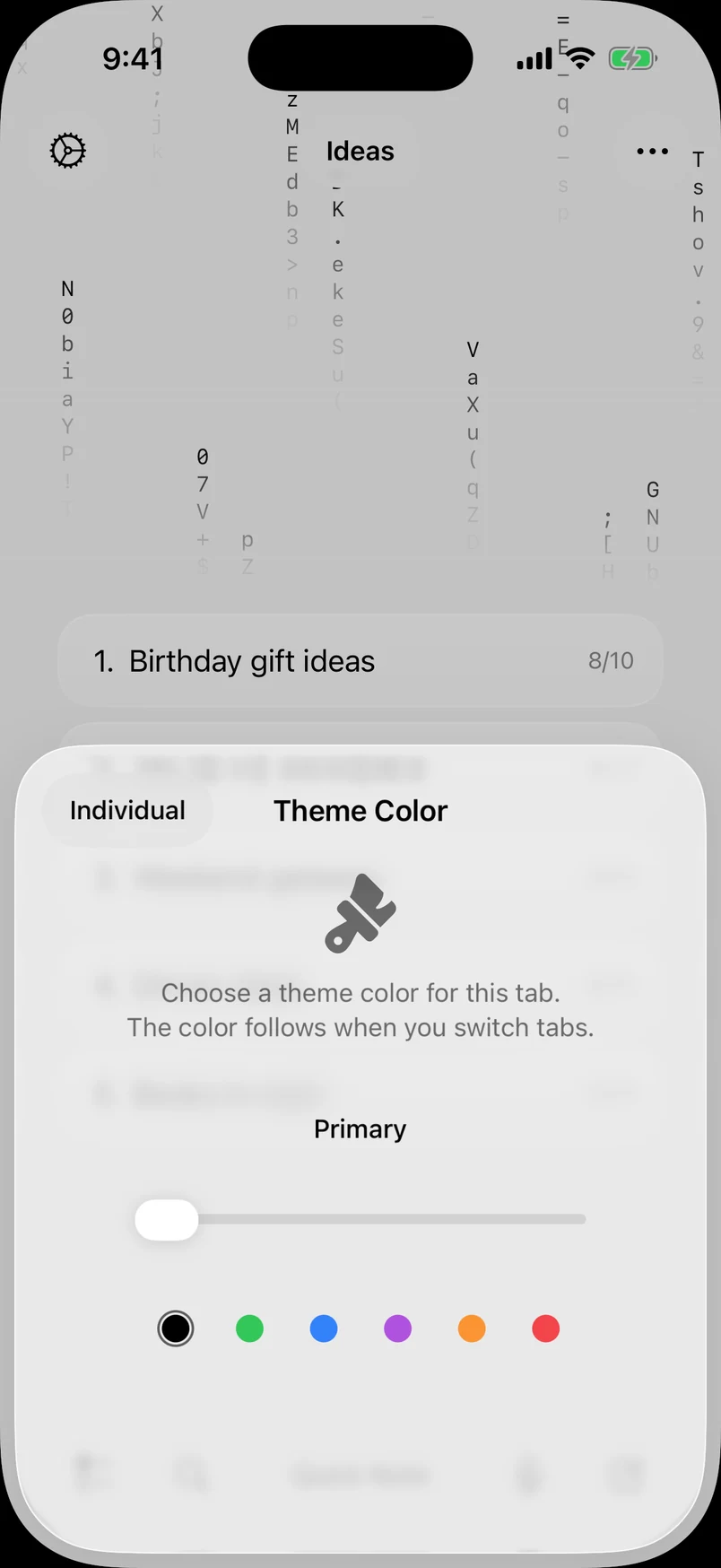
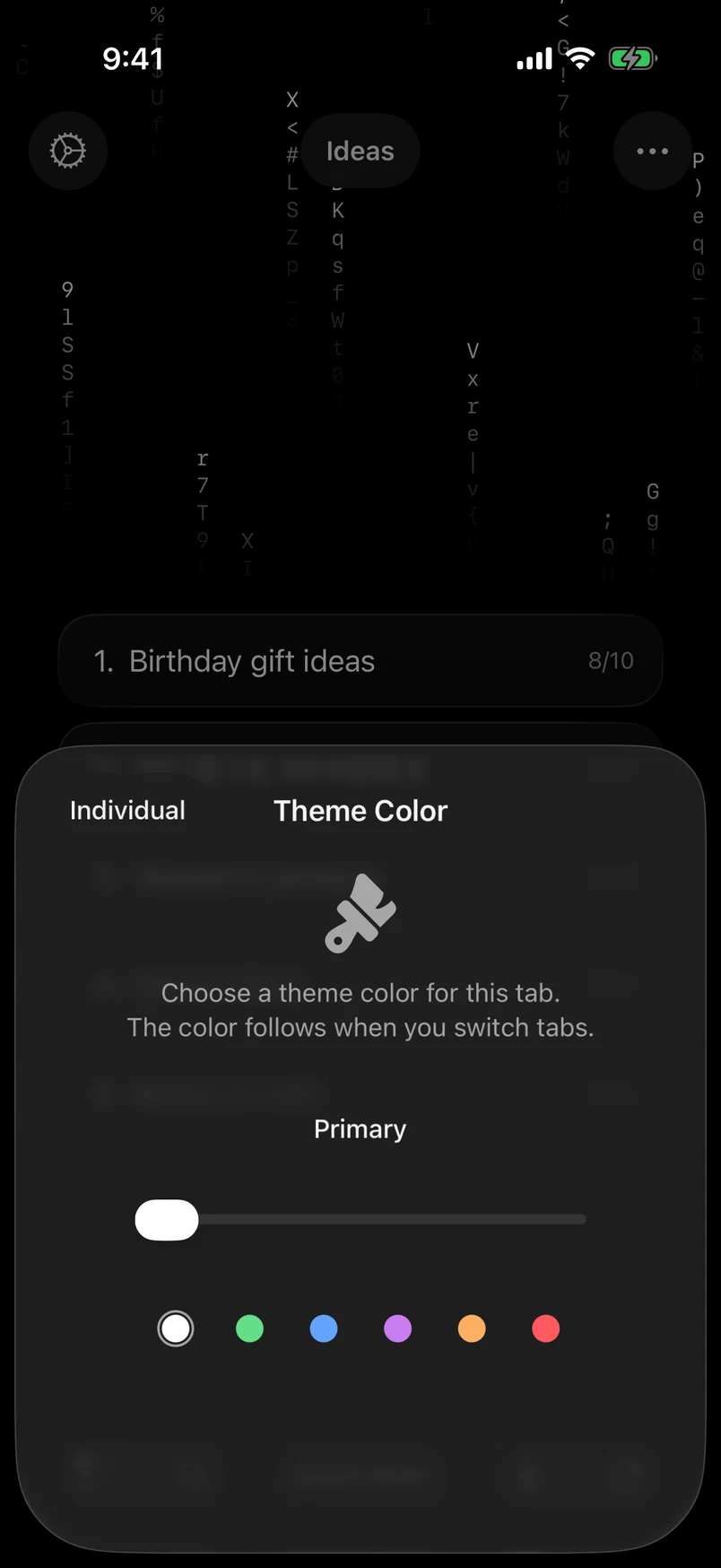
Choose a theme color for your everyday space. Premium adds five colors to the standard theme.
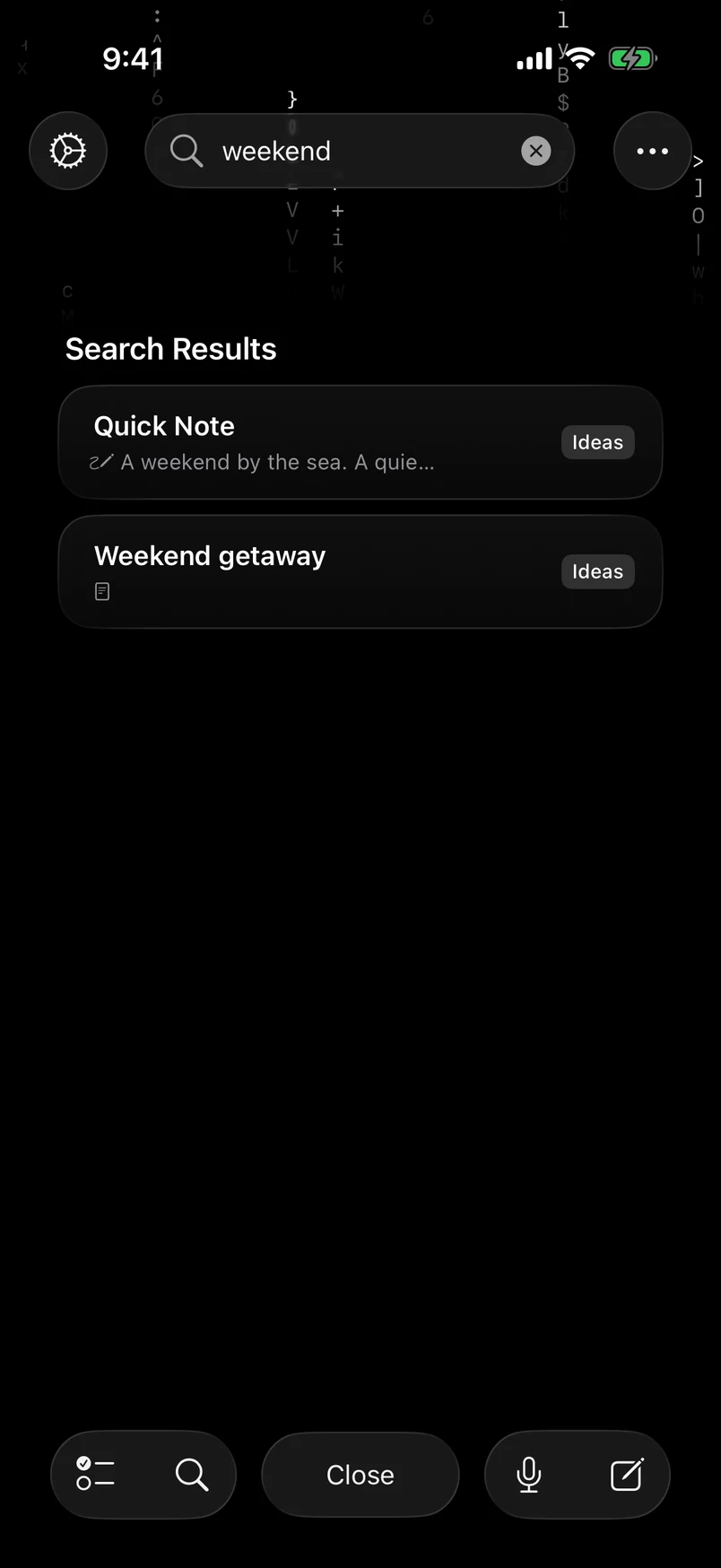
Search Quick Note and saved notes across your visible tabs. Find the text, title, or tab name you remember, right on your device.
Turn your voice into text on your iPhone. Keep using other apps while you speak, then check your progress or stop from Dynamic Island or the Lock Screen.


Live Activities must be enabled. Dynamic Island requires a compatible iPhone.
Your favorite tabs on the Home Screen. Quick Note, Voice Input, a tab, or a new note on the Lock Screen. Siri and Shortcuts can record thoughts too.


No account. No tracking. No third-party ads. Your notes stay on your device, and your voice is transcribed there too.
Save backup files in iCloud Drive or on your device. Keep the latest backup and up to two earlier restore points.
Restoring replaces current data. Backups do not continuously sync notes between devices.
Our privacy policy →Quick Note, search, voice input, and widgets are free to start. Premium gives you more space, video headers, and theme colors.
| Feature | Free | Premium |
|---|---|---|
| Tabs | 2 | 9 |
| Notes / tab | 3 | 15 |
| Header slots | 2 | 9 |
No subscription or automatic renewal. The price is shown before purchase.
Quick Note is the space you can write in as soon as you open a tab. Save the parts you want to keep as individual notes, then return to Quick Note for the next thought.
Flowen is made for iPhone running iOS 26 or later, and supports nine languages. Dynamic Island is available on compatible iPhone models.
No account is needed. Writing, searching, and storing notes happen on your device. App Store purchases and iCloud Drive backups use Apple’s services. Voice Input may download recognition data on first use.
Yes. Notes are stored separately on each device, even with the same Apple Account. You can also restore a backup from another device in the same iCloud Drive. Restoring replaces the data on the device you are using with the backup contents. Back up any data you want to keep before restoring.
Premium is a one-time in-app purchase with no automatic renewal. The price is shown before purchase. You can restore an existing purchase with the same Apple Account.